Configuration
Objects, fields, layouts and validation tailored to your process.
 Let’s Connect
 When standard Salesforce does not quite fit, we extend it the right way — configuration first, then flows, Apex and Lightning Web Components when needed. Clean, documented and built to survive every release.
Custom objects, purpose-built screens and automation that mirror your process — not a generic org. This is the kind of tailored Salesforce experience we design, build and document for you with configuration, flows, Apex and Lightning Web Components.
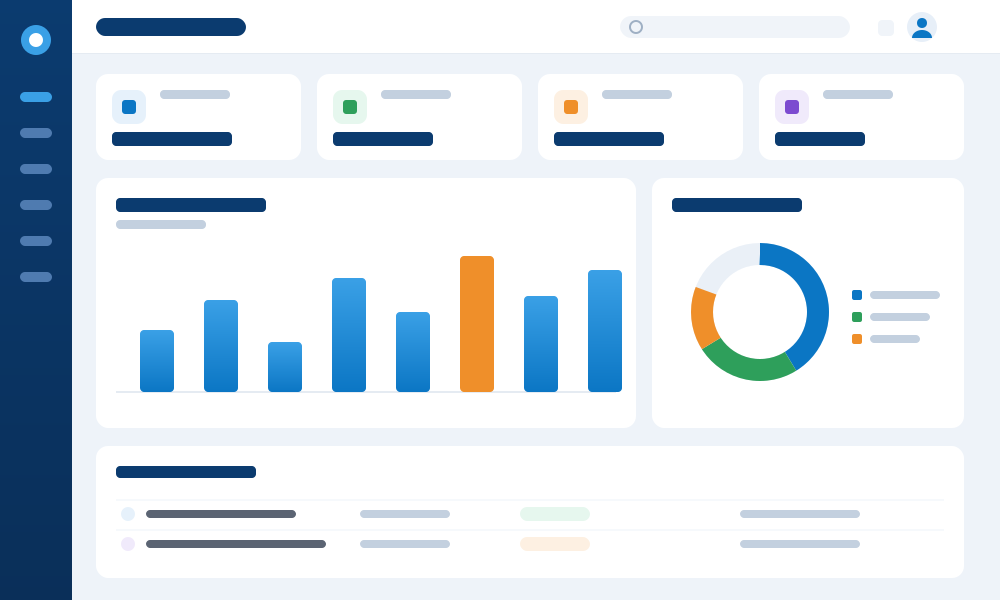
Salesforce dashboard illustration showing KPIs, pipeline chart and activity
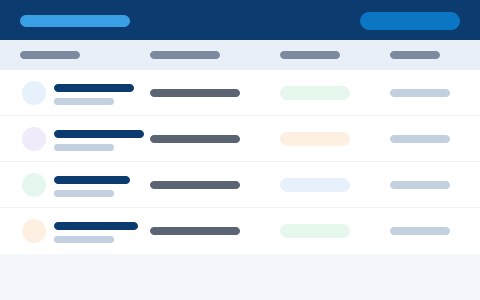
Objects, fields and page layouts tailored to your data model, with validation rules that keep records clean.
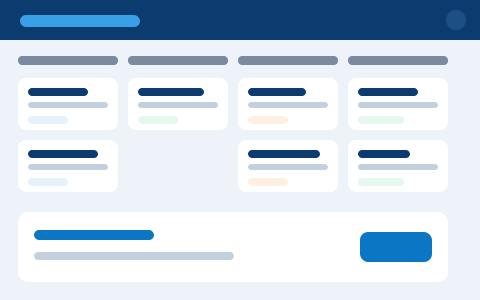
Record-triggered and screen flows automate the exact steps your team follows — no manual workarounds.
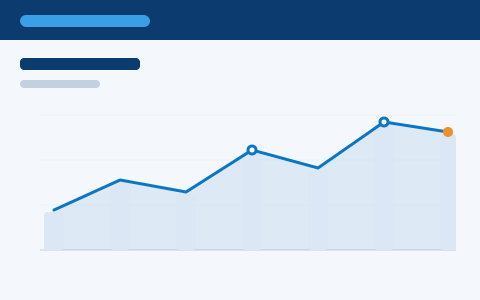
Custom logic and triggers built to Salesforce best practice, with proper test coverage and release safety.
Fast, modern custom UI embedded right where users work, so complex tasks feel simple and native.
Illustrative interface previews
From quick configuration to full custom apps, all built to last.
We extend Salesforce with the lightest tool that does the job — configuration and flows first, custom code only where it adds real value — so your org stays clean, supportable and upgrade-safe.
Objects, fields, layouts and validation tailored to your process.
Screen and record-triggered flows that remove manual work.
Custom logic and triggers where clicks are not enough.
Fast, modern custom UI built on the Lightning platform.
Tailored apps on the Salesforce platform, including mobile.
We’ve extended CRM and ERP platforms for a quarter of a century — so you get tailored Salesforce that stays clean, supportable and upgrade-safe, not a pile of technical debt.
We reach for the lightest supported tool — clicks and flows before code — so your org stays simple and easy to maintain.
Certified Salesforce developers write clean Apex and Lightning Web Components to platform best practice on every build.
Every customisation is built and managed to survive Salesforce releases — no nasty surprises at upgrade time.
Test coverage, technical documentation and version control mean your admin can maintain every change with confidence.
Supported, release-safe tools for tailoring Salesforce to your needs.
If any of these sound familiar, targeted customisation will make Salesforce fit your process instead of forcing your team to fit Salesforce.
Scope your buildYour team relies on spreadsheets and manual hacks to get work done in Salesforce.
Your data and process need custom objects, fields and relationships that don’t exist out of the box.
Repetitive tasks that flows and automation could handle are still done by hand.
Cluttered layouts and too many clicks slow people down and hurt adoption.
You’re unsure when to configure and when to write Apex — and need it done right.
Past customisations are undocumented, fragile and break at every release.
The best customisation is the simplest one that works. Here is how we decide.
We exhaust configuration first and write code only where it genuinely pays off.
A careful approach that keeps every change supportable for the long term.
Pin down the real requirement and why standard does not fit.
Choose the lightest, supported approach and design it.
Develop with Salesforce best practice and clean code.
Verify it works and does not break other processes.
Hand over documentation and deploy with confidence.
Working software and the documentation to maintain it.
A Salesforce that fits your business and survives every release.
Screens and logic shaped to your business, not generic defaults.
Clean, well-built changes that survive Salesforce updates.
Fewer clicks and workarounds for your teams.
Custom work you or anyone can maintain confidently.
From a quick configuration sprint to development capacity on demand.
A short sprint of clicks-based improvements.
A scoped feature or app built end to end.
A tailored app on the Salesforce platform.
Flexible Salesforce development capacity.
“They reshaped Salesforce around the way we actually work — custom objects, tidy flows and a couple of Lightning components. It is clean, documented, and it sailed straight through the last release.”
Customisation is one piece. The same certified team can advise, implement, connect, migrate and support your Salesforce org.
CRM strategy, health checks and a roadmap before you build.
Learn moreA full Salesforce setup, configured and rolled out to go-live.
Learn moreConnect Salesforce to your ERP, marketing and support tools.
Learn moreMove from another CRM to Salesforce without the headaches.
Learn moreKeep Salesforce healthy and improving, month after month.
Learn moreSee your pipeline and performance clearly, at a glance.
Learn morePipeline, opportunities and sales productivity in one place.
Learn moreBrowse the full range of Salesforce consulting and delivery.
Explore allTell us the gap — we will extend Salesforce cleanly and keep it release-safe.
Discuss Your RequirementNot when built the right way. We follow Salesforce best practice so your changes stay safe through releases.
We configure first and write Apex or Lightning Web Components only when logic cannot be handled with clicks.
Yes. We build tailored apps on the Salesforce platform, including mobile and Experience Cloud.
Yes. All Apex comes with proper test coverage, and changes are validated before deployment.
Always. Every change is documented and your code is managed in version control.