
Role-Based Dashboards
Dashboards tailored to reps, managers and executives.
 Let’s Connect
 Turn your Salesforce data into clear, trusted reports and dashboards. We design reporting for every level — from rep activity to board pipeline — including CRM Analytics, so decisions are based on numbers everyone believes.
Clear KPIs, a live pipeline view and the numbers every team needs in one place. This is the kind of Salesforce reporting we design, validate and roll out for you — from rep dashboards to board-level analytics powered by CRM Analytics.
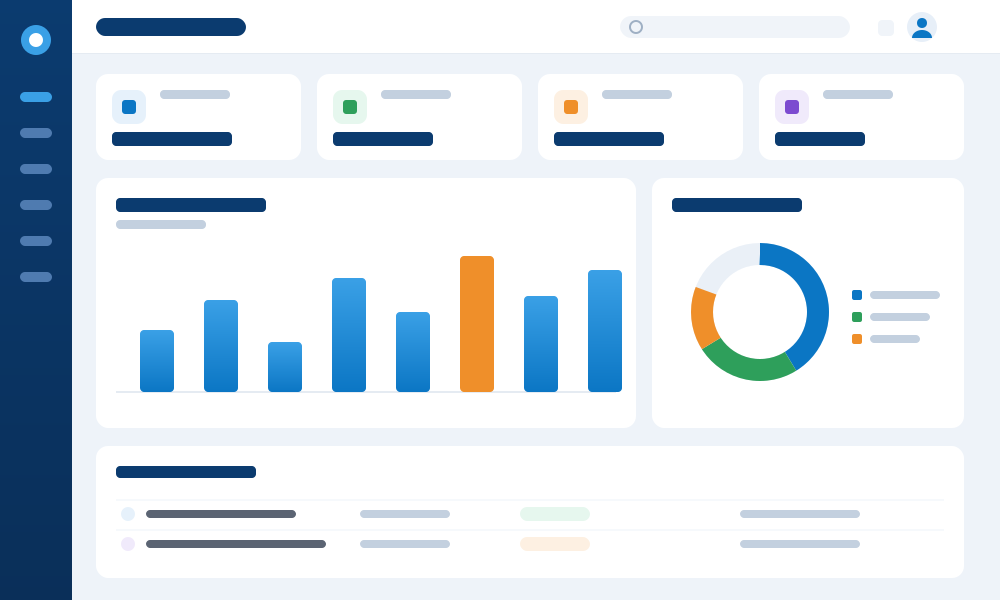
Salesforce dashboard illustration showing KPIs, pipeline chart and activity
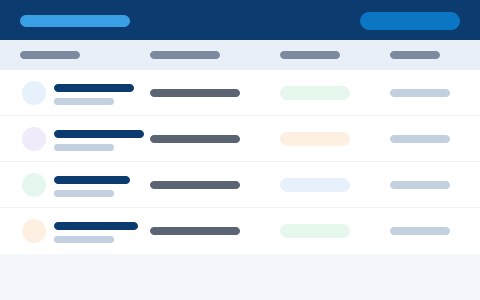
Track lead volume, conversion and source performance so marketing spend and rep effort go where they pay off.
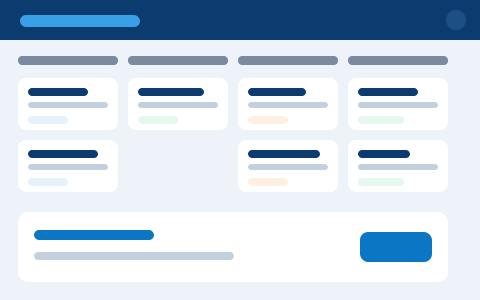
Stage-by-stage pipeline and win-rate dashboards modelled on how your team actually sells — not a generic template.
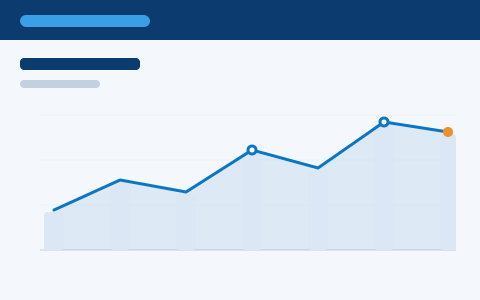
Revenue and target dashboards validated against your source of truth, so leadership tracks the forecast with confidence.
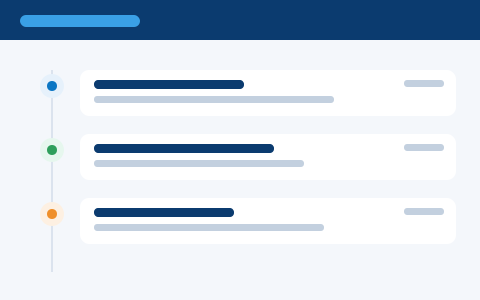
Calls, emails and meetings surfaced as clear activity KPIs, so managers coach on the numbers that drive results.
Illustrative interface previews
From rep activity to executive pipeline, all from your Salesforce data.
We design Salesforce reports and dashboards around the decisions your teams make — clear, accurate and role-based — so everyone from reps to the board sees the numbers that matter.
Dashboards tailored to reps, managers and executives.
Clear pipeline, forecast and win-rate reporting.
Case volumes, SLAs and customer satisfaction at a glance.
Deeper, interactive analytics with CRM Analytics.
Tidy a cluttered reports folder into a clear set that works.
We’ve turned CRM and ERP data into clear decisions for a quarter of a century — so you get dashboards your whole team trusts, not another report nobody opens.
We start from the decisions you need to make, then design KPIs and dashboards around them — not vanity charts.
Certified Salesforce consultants who know reporting, CRM Analytics and the data model behind reliable numbers.
Every report is validated against your source of truth, with data issues flagged and fixed before rollout.
Role-based dashboards and training mean your team actually uses the reporting from day one.
Reporting across sales, service and marketing performance.
If any of these sound familiar, a well-designed set of reports and dashboards will give every team the numbers they can act on.
Fix your reportingLeaders can’t see pipeline, performance or service metrics without asking someone to pull them.
Reporting means downloading Salesforce data into Excel and rebuilding charts by hand every week.
Big calls are made on instinct because the dashboards to back them up aren’t there.
Two reports show two different numbers, so nobody quite believes either one.
Someone loses a day each week assembling the same board and management packs.
Leadership lacks a clear, current view of revenue and where the number will land.
Most needs are met by standard reporting; some call for CRM Analytics. We help you choose.
We start with standard reporting and add CRM Analytics only where it genuinely adds value.
We start with the decisions you need to make, then build the reporting to support them.
Agree the questions and KPIs that matter to each team.
Make sure the data and fields support clean reporting.
Create reports and dashboards by role.
Check numbers against your source of truth.
Share dashboards and train people to use them.
Clear, validated dashboards and the documentation behind them.
Decisions based on numbers everyone believes, available the moment you need them.
Everyone sees the same, trusted numbers.
Answers at a glance, no spreadsheet wrangling.
Clear, current pipeline and forecast.
Dashboards focused on what actually drives results.
From a quick dashboard pack to ongoing analytics support.
A set of role-based dashboards built fast.
A full reporting design across sales and service.
Interactive analytics on larger data sets.
On-call help to evolve your dashboards.
“For the first time, our whole leadership team looks at the same dashboard and trusts the number. Forecasting meetings went from arguing about the data to actually making decisions.”
Great reporting sits on a well-run CRM. The same certified team can advise, implement, customise, connect and support your Salesforce org.
CRM strategy, health checks and a roadmap for better decisions.
Learn moreA full Salesforce setup that goes live on time and on budget.
Learn moreTailor Salesforce with flows, objects and Lightning components.
Learn moreConnect Salesforce to your ERP, marketing and support tools.
Learn moreKeep Salesforce and your dashboards healthy, month after month.
Learn morePipeline, opportunities and sales productivity in one place.
Learn moreCase management, SLAs and service metrics worth reporting on.
Learn moreBrowse the full range of Salesforce consulting and delivery.
Explore allLet us build reports and dashboards your whole team will trust and use.
Build My DashboardsYes. We design role-based dashboards for reps, managers and executives, each focused on what they need.
Not always. We start with standard Salesforce reporting and add CRM Analytics only when it genuinely adds value.
Yes. We tidy cluttered reports into a clean, organised set that people actually use.
We validate every report against your source of truth before rollout, and flag any data issues to fix.
Yes. We hand over with training so your team can use and extend the dashboards confidently.