
Account & Customer Sync
Keep customers and accounts aligned across both systems.
 Let’s Connect
 We build reliable, two-way integration between Salesforce and your ERP — Oracle and others — syncing accounts, orders, invoices and inventory so sales and finance work from the same trusted data, with no re-keying.
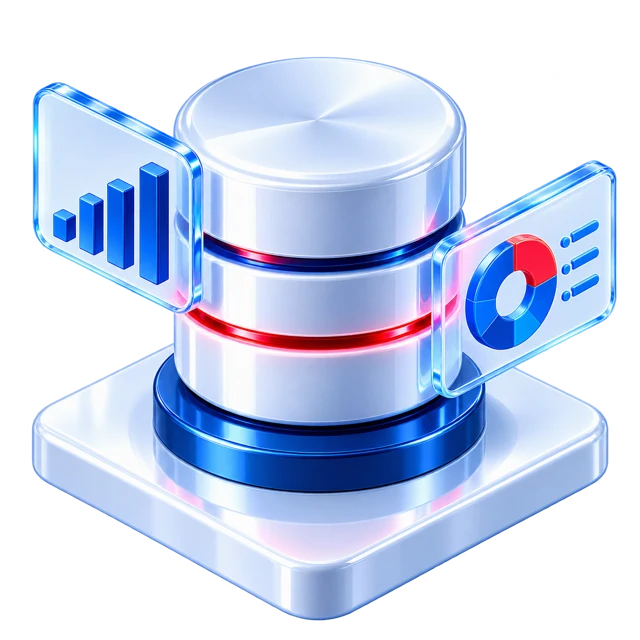
Orders, invoices, stock and account balances flowing between Salesforce and the ERP in real time. This is the kind of connected, single-source-of-truth experience we build — so sales and finance stop re-keying data and start trusting the same numbers.
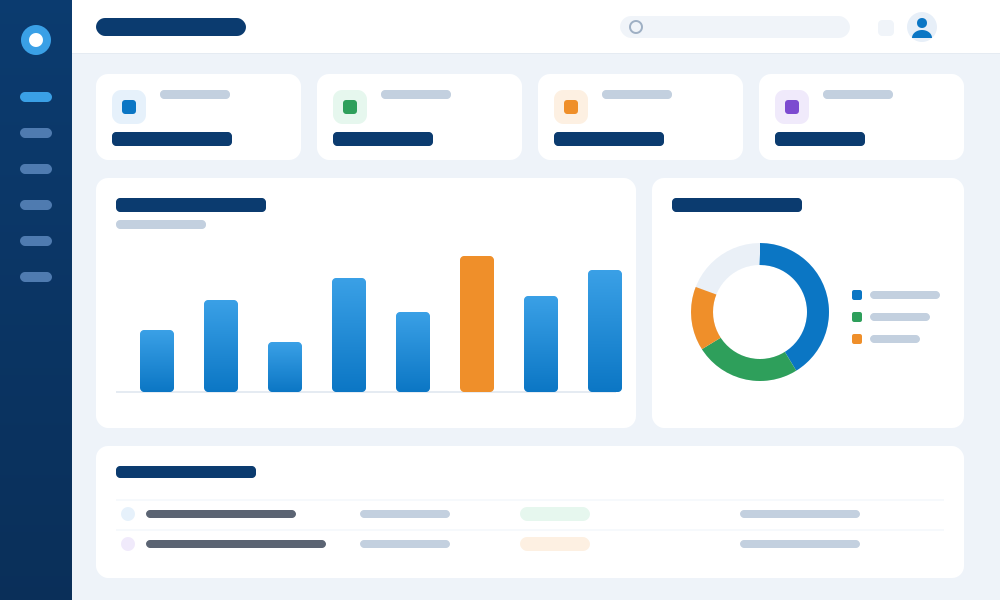
CRM-ERP integration dashboard illustration showing synced orders, invoices and inventory
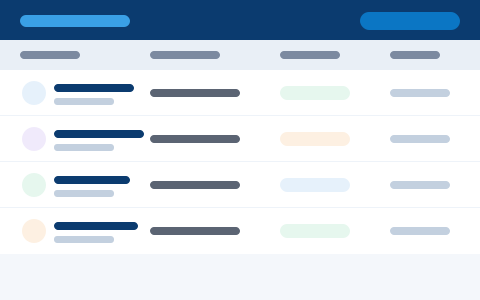
Orders raised in Salesforce push straight into the ERP — no re-keying, no lost lines, no delay to fulfilment.
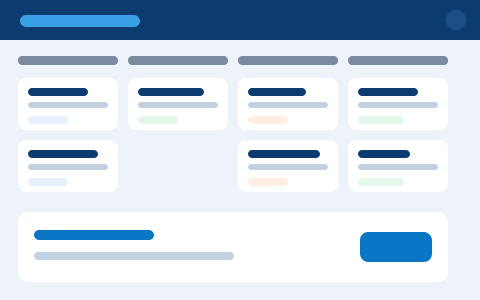
Real-time inventory and pricing from the ERP surfaced inside Salesforce, so reps quote what you can actually deliver.
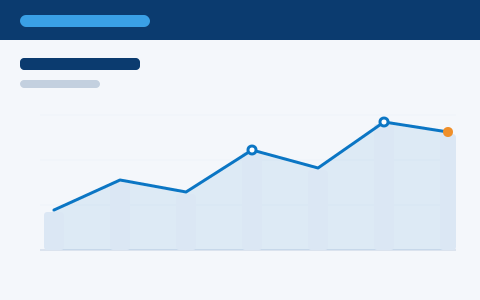
Invoice and payment status flows back from finance, giving sales a clear view of quote-to-cash without leaving the CRM.
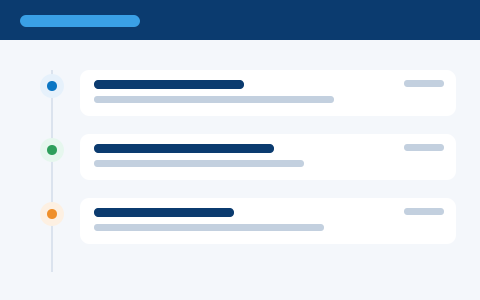
A live log of each record exchanged, with retries and alerts, so nothing slips silently between the two systems.
Illustrative interface previews
Reliable, monitored integration that keeps Salesforce and your ERP aligned.
We connect Salesforce and your ERP so the data they share — accounts, orders, invoices, inventory — stays in sync both ways, automatically. No more re-keying, no more arguments about whose number is right.
Keep customers and accounts aligned across both systems.
Push orders from Salesforce and pull invoices back.
Show real-time stock and pricing from the ERP in Salesforce.
Reliable bi-directional sync with conflict handling.
Dashboards and alerts so issues never hide.
We’ve connected CRM and ERP systems for a quarter of a century — so you get a dependable bridge between Salesforce and your ERP, not a brittle script that breaks at month-end.
Accounts, orders, invoices and inventory stay aligned both ways, so sales and finance never argue over whose number is right.
Certified Salesforce and Oracle ERP consultants on both ends of the bridge — we understand quote-to-cash, not just the API.
Conflict rules, validation, retries and alerts designed in from the start — the sync handles real-world volume and errors safely.
Dashboards and alerts give you a live view of every record exchanged, so issues surface early instead of at close.
The data sales and finance both depend on, kept in step.
If any of these sound familiar, a reliable CRM-ERP integration will give sales and finance one source of truth — and end the double entry between them.
Plan your integrationDeals won in Salesforce get typed again into the ERP, adding delay and errors.
Reps can’t see stock, pricing or order status without leaving Salesforce.
Invoices and payments live in the ERP, invisible to the sales team.
Quotes, orders and invoices don’t join up, so revenue is hard to track end to end.
The CRM and ERP disagree because updates in one never reach the other.
Someone exports and imports spreadsheets to keep the two systems roughly in step.
If sales and finance re-key data between systems, here is what changes with integration.
Integration ends double entry and the disagreements that come with it.
We design the integration to handle real-world data, volume and errors safely.
Agree the objects, fields and direction of each sync.
Choose the pattern and design conflict and error handling.
Develop the integration with reusable, secure components.
Validate data, volume and edge cases end to end.
Go live with dashboards, alerts and support.
A documented, monitored integration between Salesforce and your ERP.
No double entry, fewer errors and one set of numbers everyone trusts.
Data flows automatically between CRM and ERP.
Sales and finance see the same current data.
Automated sync cuts mistakes and disputes.
One trusted source of numbers for both teams.
From a single object sync to a full CRM-ERP bridge.
Connect one data flow, such as accounts or orders.
A complete two-way Salesforce-ERP integration.
Connect quoting, orders and invoicing.
Keep the integration healthy with monitoring.
“Orders raised in Salesforce now land in the ERP automatically, and invoices come straight back. Sales and finance finally work from the same numbers — the double entry and the month-end arguments are gone.”
Integration is one part of the picture. The same certified team can advise, implement, customise, migrate and support your Salesforce org.
CRM strategy, health checks and a roadmap before you build.
Learn moreA full Salesforce setup, configured and rolled out end to end.
Learn moreTailor Salesforce with flows, objects and Lightning components.
Learn moreConnect Salesforce to your marketing, support and other tools.
Learn moreMove from another CRM to Salesforce without the headaches.
Learn moreKeep Salesforce and your integrations healthy, month after month.
Learn morePipeline, opportunities and sales productivity in one place.
Learn moreBrowse the full range of Salesforce consulting and delivery.
Explore allLet us connect Salesforce and your ERP into one reliable source of truth.
Plan My IntegrationYes. We build reliable two-way integration between Salesforce and Oracle, as well as other ERP systems.
Accounts, contacts, orders, invoices, inventory, pricing and payments — in the direction that makes sense for each.
We support real-time and scheduled sync depending on your systems and the data involved.
We define clear rules for which system wins when data disagrees, with logging and alerts.
Every integration includes dashboards, retries and alerts so issues are caught and resolved fast.